Shopify AI plugin
The Shopify AI employee for your store
The Shopify AI chatbot that answers customers and does the work: order status, fulfilment, stock and discount codes. On WhatsApp and web chat.
$75 / month · 14-day free trial
What Nora does
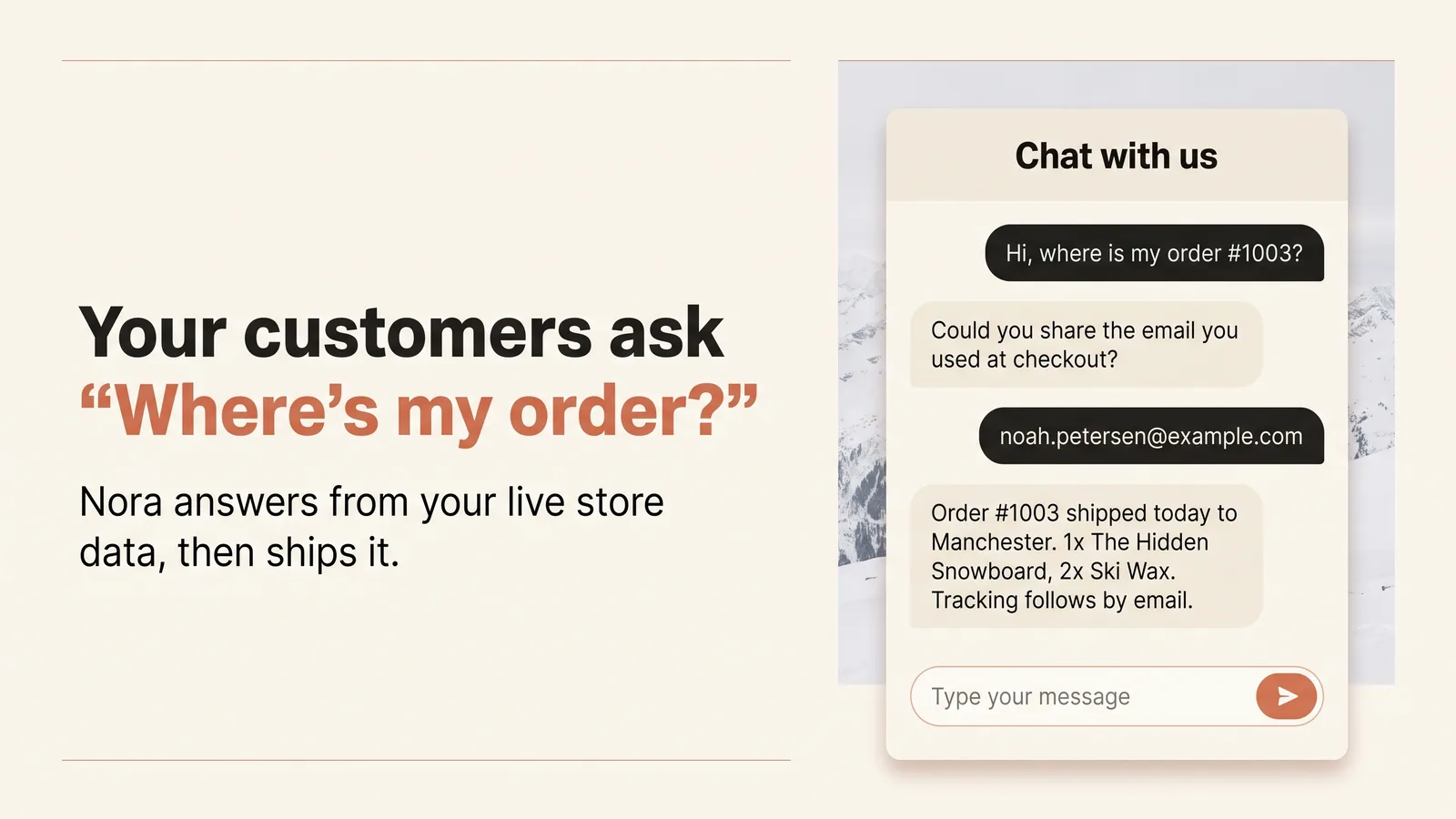
“Where is my order?”, answered.
Shoppers ask in the chat on your store or on WhatsApp. Nora first asks for the order number and the email used at checkout, checks both against your store, then tells them where their order is, from live store data.
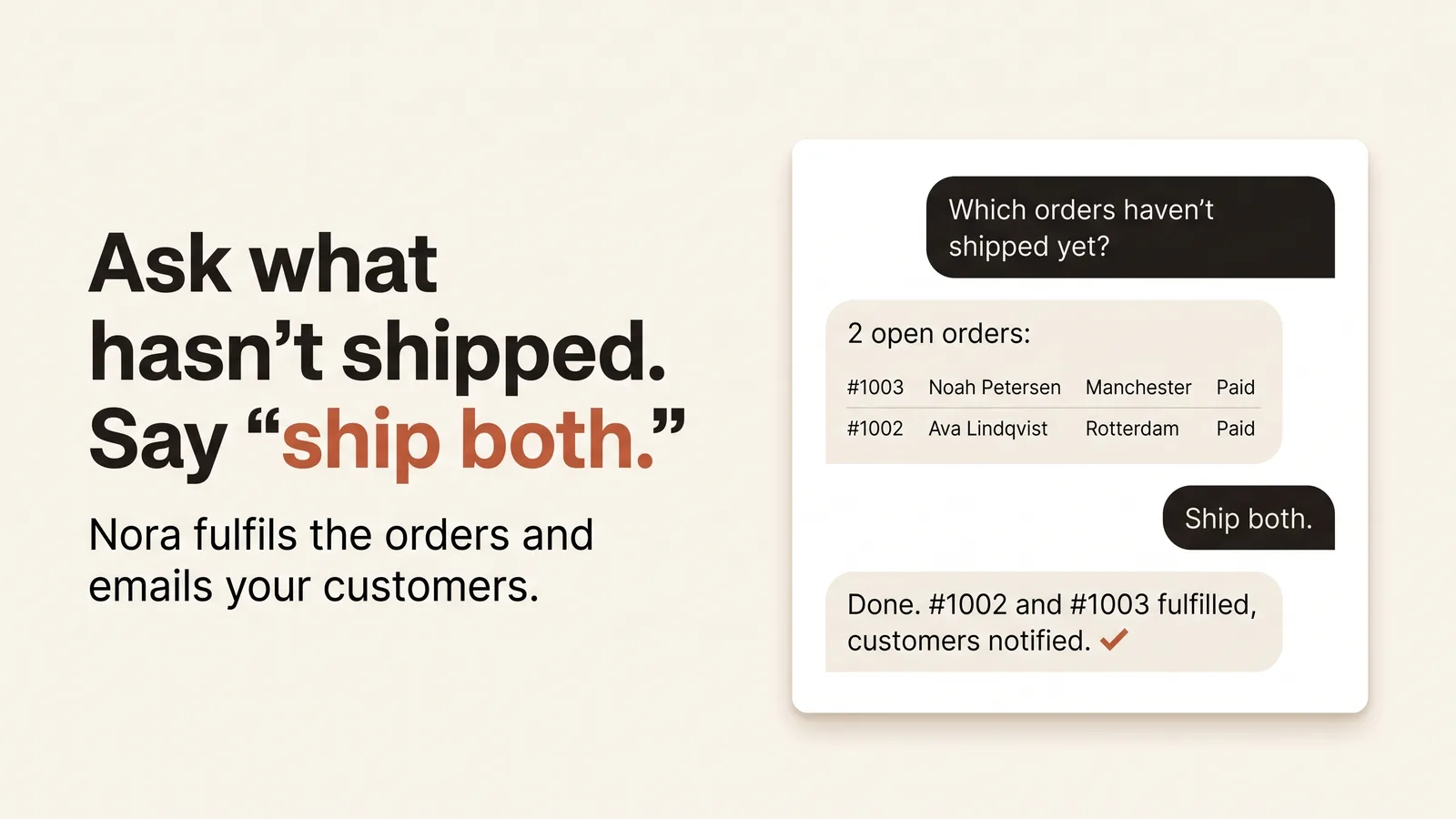
Ask what has not shipped. Say “ship both.”
Ask Nora which orders have not shipped yet and she lists them. Tell her which to ship and she fulfils them; Shopify sends each customer its shipping confirmation.
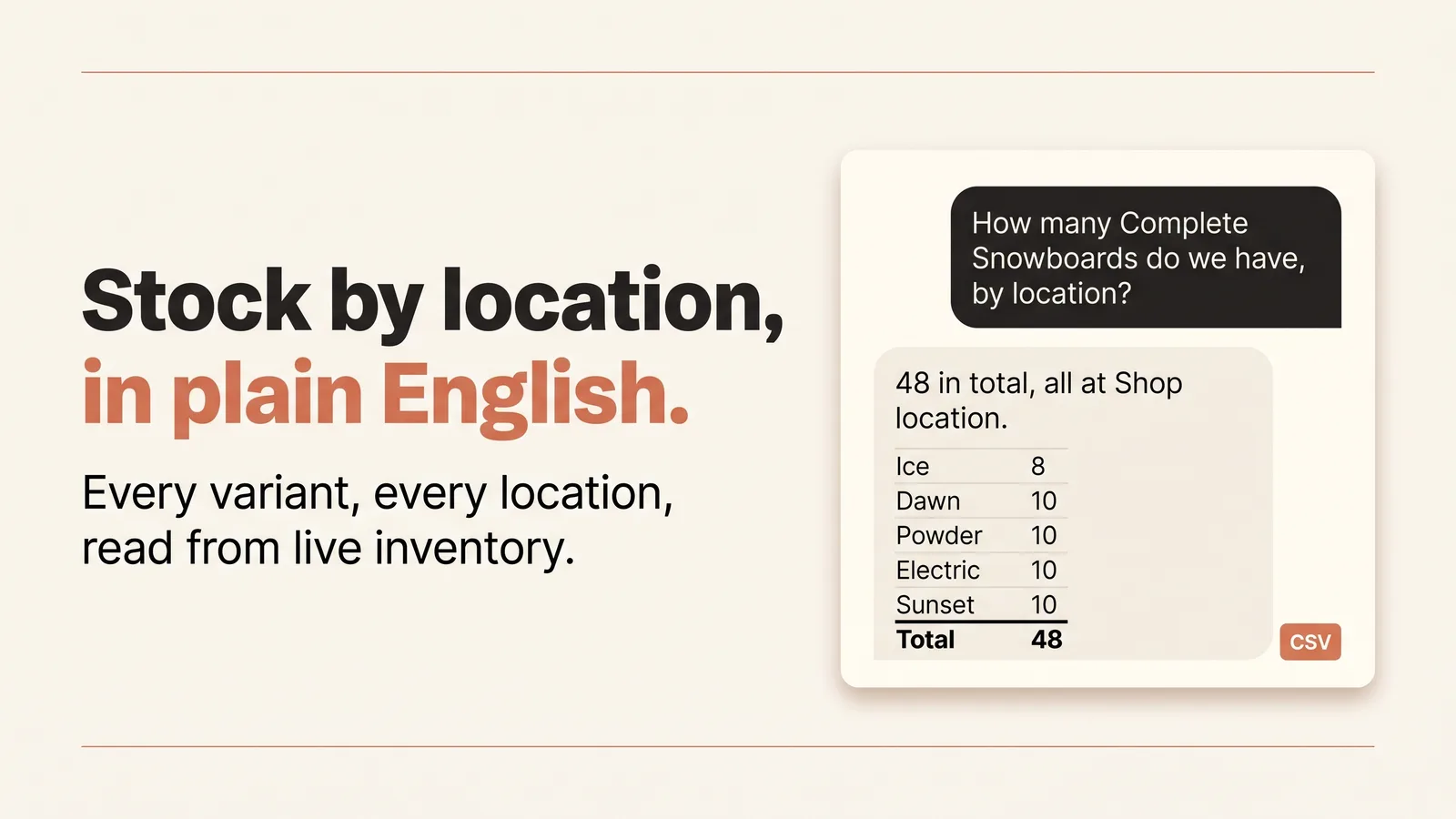
Stock by location, in plain English.
Ask how many of a product you have and where. Nora reads stock for every variant at every location from live inventory, and sets stock levels when you ask her to.
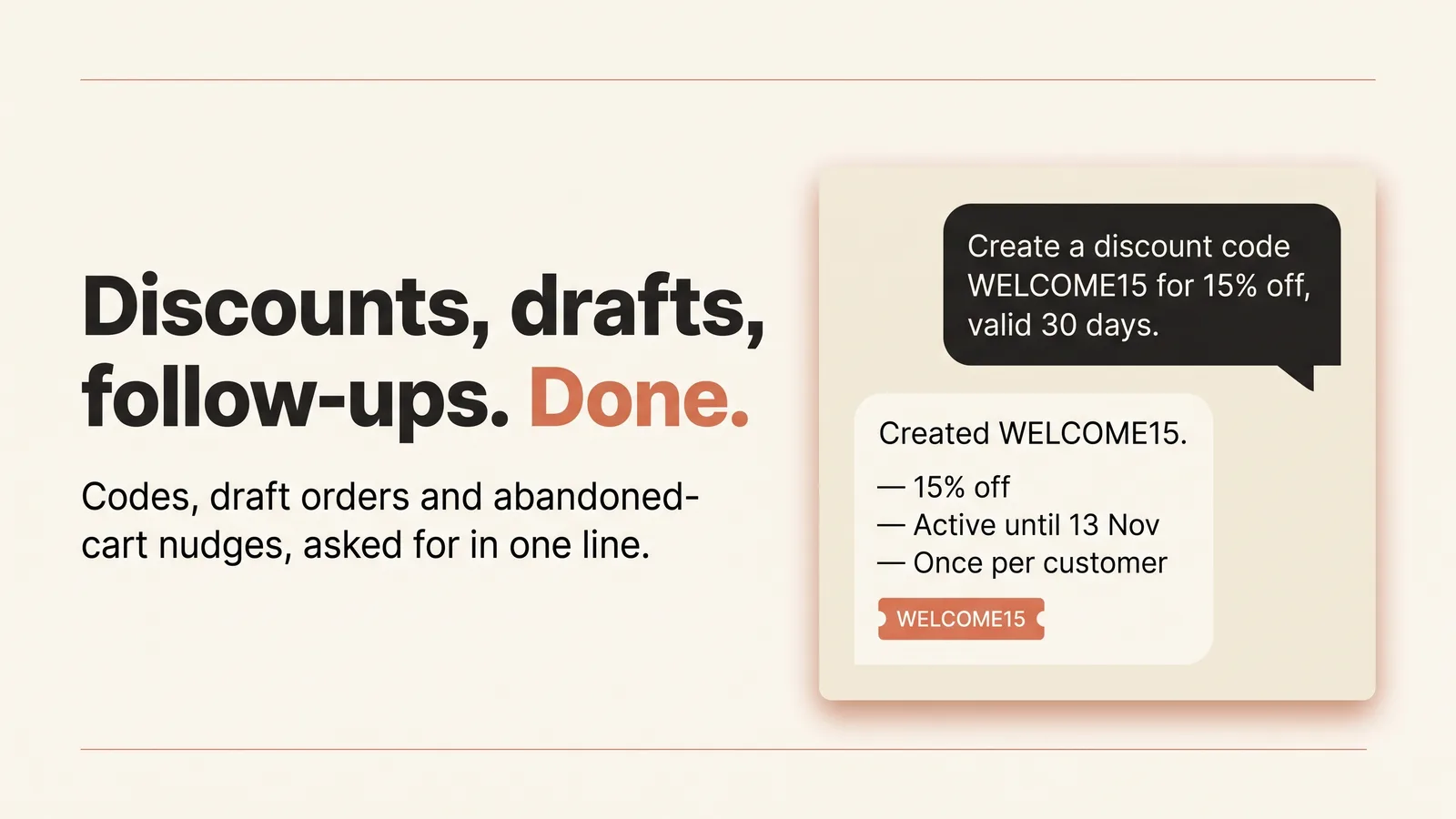
Discounts, draft orders and follow-ups.
Ask for a discount code and Nora creates it in your store. Draft orders too, and she can list the checkouts shoppers abandoned so you can follow up.
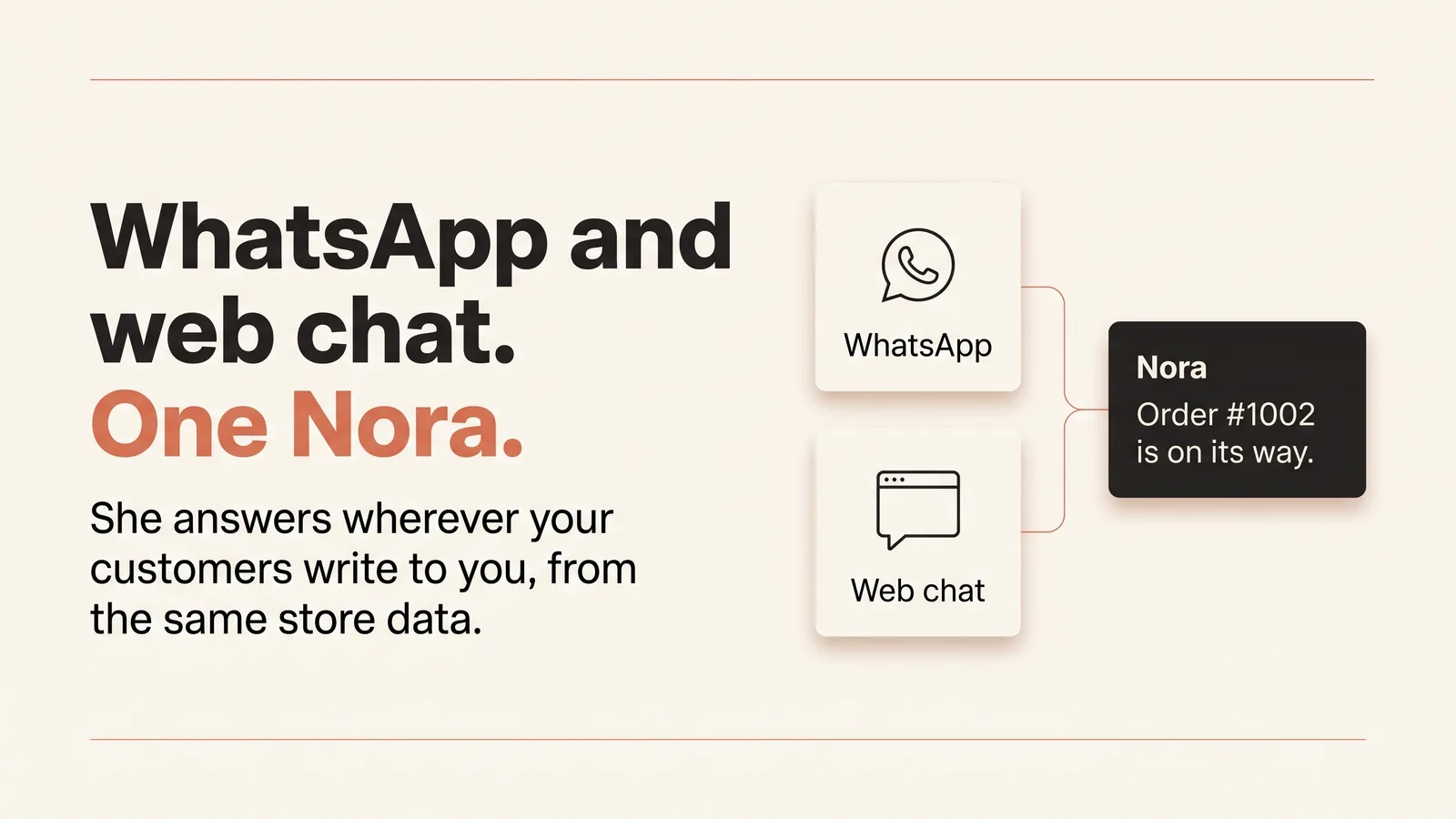
WhatsApp and web chat. One Nora.
One Nora answers your customers on WhatsApp and in your storefront chat, from the same store data, so every answer matches.
Nora acts on what you ask straight away. Sending an email waits for your yes. Want a say before something else, such as refunds? Lock that action in Nora’s Tools Matrix and she asks you first every time.
Set up in 3 steps
Install Nora from the Shopify App Store.
Open Nora on the App Store and press Install. Shopify shows exactly what Nora may read and change in your store before you approve.
Choose a plan.
Pick the Standard plan. It starts with a 14-day free trial, and Shopify bills it with your other apps.
Turn on Nora chat in your theme.
In Shopify, go to Online Store > Themes > Customize > App embeds, switch on Nora chat and press Save. The chat bubble is live on your storefront.
Pricing
Standard: $75 / month. 14-day free trial.
- Unlimited AI employees
- Answers customers on WhatsApp and web chat
- Order, inventory and customer lookups
- AI included, or bring your own key
All charges are billed in USD. Recurring and usage-based charges are billed every 30 days.
FAQ
What is Nora for Shopify?
Nora is an AI employee for your Shopify store. She answers your customers and does real work on the store: order status, fulfilment, stock and discount codes.
Can Nora answer “where is my order”?
Yes. In your storefront chat, Nora asks for the order number and the email used at checkout, checks both against your store, then tells the customer where their order is.
Can Nora fulfil orders?
Yes. Ask Nora which orders are not shipped yet, and she lists them and fulfils the ones you choose.
Does Nora know my stock?
Yes. Nora reads stock by variant and by location, so she can tell a customer or your team what is available and where.
Can Nora create discount codes?
Yes. Ask Nora for a discount code and she creates it in your store.
Which channels does Nora answer on?
WhatsApp and web chat, both from the same store data, so every answer matches.
How much does Nora cost?
$75 a month, with a 14-day free trial, billed through Shopify.
Does Nora work with my theme?
Nora chat is an app embed: you switch it on in the theme editor (Online Store > Themes > Customize > App embeds) and press Save. There is no code to paste into your theme.
What can Nora change in my store?
What you approve when you install: she can fulfil, refund and cancel orders, set inventory, update products, prices and customers, and create discount codes and draft orders. She acts on what you ask straight away; sending an email waits for your yes, and you can lock any other action in her Tools Matrix so she asks you first.
What happens to my store data, and which permissions does Nora get?
Nora reads and changes your store only through the permissions Shopify shows you at install. Your store gets its own Nora workspace, and its data is never shared with another store.
Why does the chat not show on my development store?
A development store is password protected. Enter the storefront password first; the Nora chat bubble shows once you are past the password page.